






Market Sort
Where can I play Market Sort online?
Press Play Now above to load Market Sort in your browser, or open the direct game link below. No separate app installation or Color Games account is required. The game provider manages advertising and any optional in-game features.
If the embedded player stays blank, you can open Market Sort directly in a new tab (opens in a new tab). The link opens the game; this page provides the controls and guide.
About Market Sort
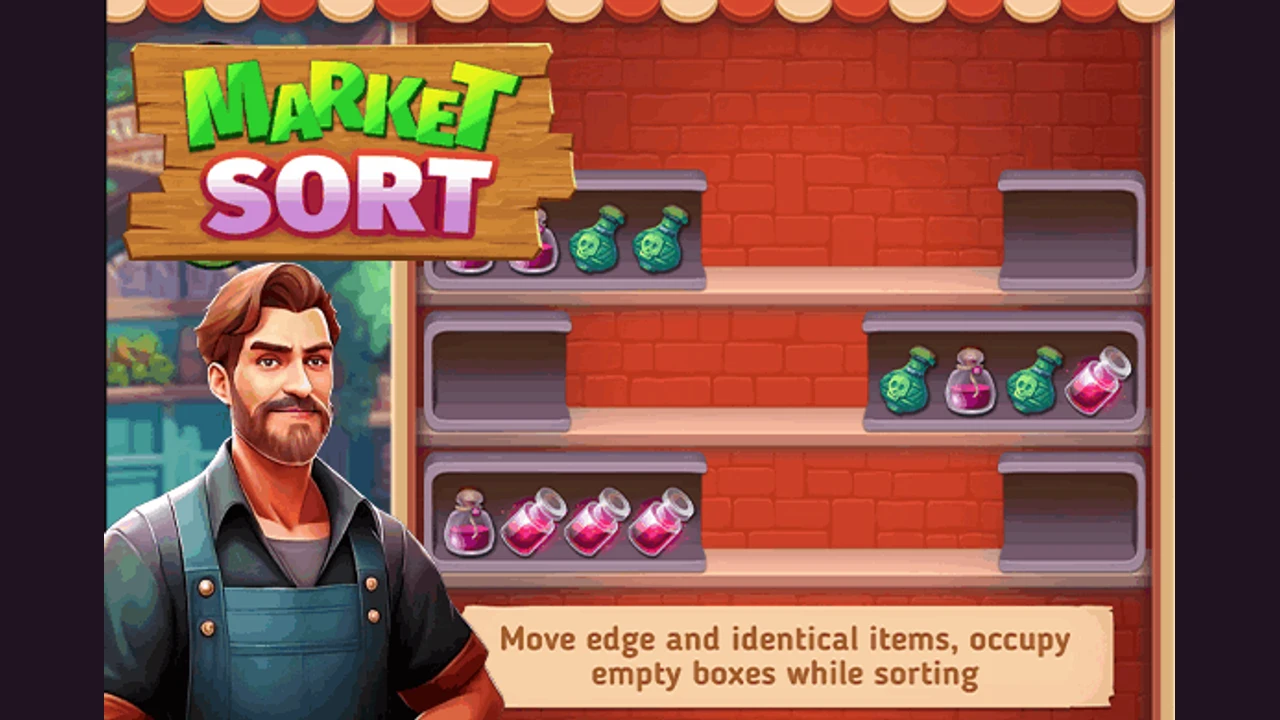
Market Sort turns a shelf of mixed goods into a sorting puzzle. Select an item at the edge of a box, then choose another box to move it into. Adjacent identical items can travel together. The opening tutorial asks you to gather four identical items in each box, so an empty box is useful working space while you separate pastries and other goods. Read both ends of a group before moving it: the item you uncover can determine your next useful transfer.
Market Sort browser controls and loading
Click or tap an accessible item to select it, then click or tap its destination box. The opening hand prompts show the selection and placement sequence.
The hosted build adapts its board to the player area. Allow the initial game files to load over the internet. If loading stops, try Reload or open the source link directly; no download means no separate app installation, rather than offline play.
Why Market Sort Feels Different From Other Color Sort Games
Shelf boxes replace the upright tubes used in many sorting games.
- Sort by the actual item, including its shape and appearance, rather than color alone.
- Adjacent identical goods can move as a group from the edge of a box.
- The opening goal is four identical items in each box, with an empty box available for rearranging the goods.
How To Play Market Sort?
Use the empty shelf space to separate mixed goods into matching boxes.
- Press Play Now and follow the opening hand prompt to select the edge group of matching pastries.
- Click or tap the indicated empty box to place the selected items there.
- Select the matching pastry exposed in the other mixed box and move it beside the first group.
- Continue transferring the remaining goods until each occupied box holds four identical items, then follow the game's completion prompt.
How can I avoid getting stuck in Market Sort?
Plan a destination and the item it will uncover before selecting a group.
Keep a box available for rearranging
An empty box lets you move a group away from a needed item. Before using the last open space, check where that group can go next so the transfer does not block another match.
Compare the full item
Two bottles or pastries can look similar at a glance. Compare their shapes and details as well as their colors before bringing them together.
Uncover the missing fourth item
When a box already has three matching goods, look for the fourth and identify what blocks it. Move the blocking group somewhere useful instead of scattering the three items you have already collected.
Who Will Enjoy Market Sort?
- Players who enjoy organizing objects and planning transfers between limited spaces.
- Color sorting fans looking for shelves, pastries, and bottles instead of balls or nuts.
Organize your next shelf in Market Sort
Start with a group you can move into useful space, then look for the item that completes it. Leaving a route open for the next transfer matters as much as making the current box look tidy.
Game information and source
| Game | Market Sort |
|---|---|
| Goal | Gather four identical items in each occupied box |
| Controls | Click or tap an edge item, then its destination box |
| Browser source | Open Market Sort (opens in a new tab) |
Market Sort source and guide notes
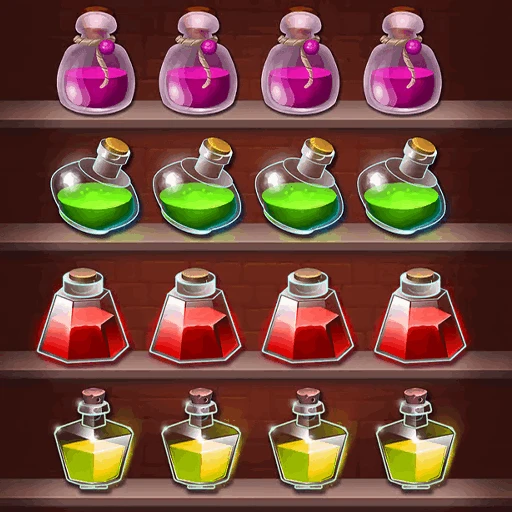
The linked browser build and promotional icon and banner come from the game provider. Color Games provides this independent introduction and sorting guide. The promotional images are not presented as gameplay screenshots.
Market Sort FAQ
Can I play Market Sort for free without installing an app?
Yes. Press Play Now or open the browser source link. An internet connection is needed to load the files, and the provider controls advertising and optional features.
How do I move items in Market Sort?
Click or tap an accessible item at the edge of a box, then select its destination box. Adjacent identical items can be selected and moved together, as the opening tutorial demonstrates.
What is the goal of the opening puzzle?
Gather four identical items in each occupied box. The tutorial begins with mixed pastries and an empty box that gives you room to rearrange them.
Why should I keep an empty box?
It provides a temporary destination when a group blocks the item you need. Before filling it, plan a way to move those goods onward so you retain room to work.
Is this a water pouring game?
You move whole objects between boxes. Even when the artwork shows potion bottles, the task is matching identical goods rather than pouring layers of liquid.
What if Market Sort stops loading?
Give the initial files time to load, then try Reload. If the embedded player remains blank or stuck, open the direct browser version from the source link.
Related Games
- Nuts Sort Puzzle — Play Nuts Sort Puzzle online for free. Move colored nuts between bolts, collect matching colors, and read a simple click and tap guide.
- Ball Sorting — Play Ball Sorting online for free. Move colored balls between tubes, group each color, and plan transfers with click or tap controls.
- Ball Sort Puzzle — Play Ball Sort Puzzle online for free. Move colored balls between tubes, group matching colors, and plan each transfer with mouse or touch.
- Water Color Sort — Play Water Color Sort online for free. This water sort puzzle uses colored liquid in tubes, with source and destination taps to separate the layers.