


Color Match
Where can I play Color Match online for free?
Press Play Now above to open the supplied GameSnacks browser build, or use the direct game link. No separate app installation or Color Games account is needed to open the game.
If the embedded player stays blank, you can open Color Match directly in a new tab (opens in a new tab). The link opens the game; this page provides the controls and guide.
About Color Match
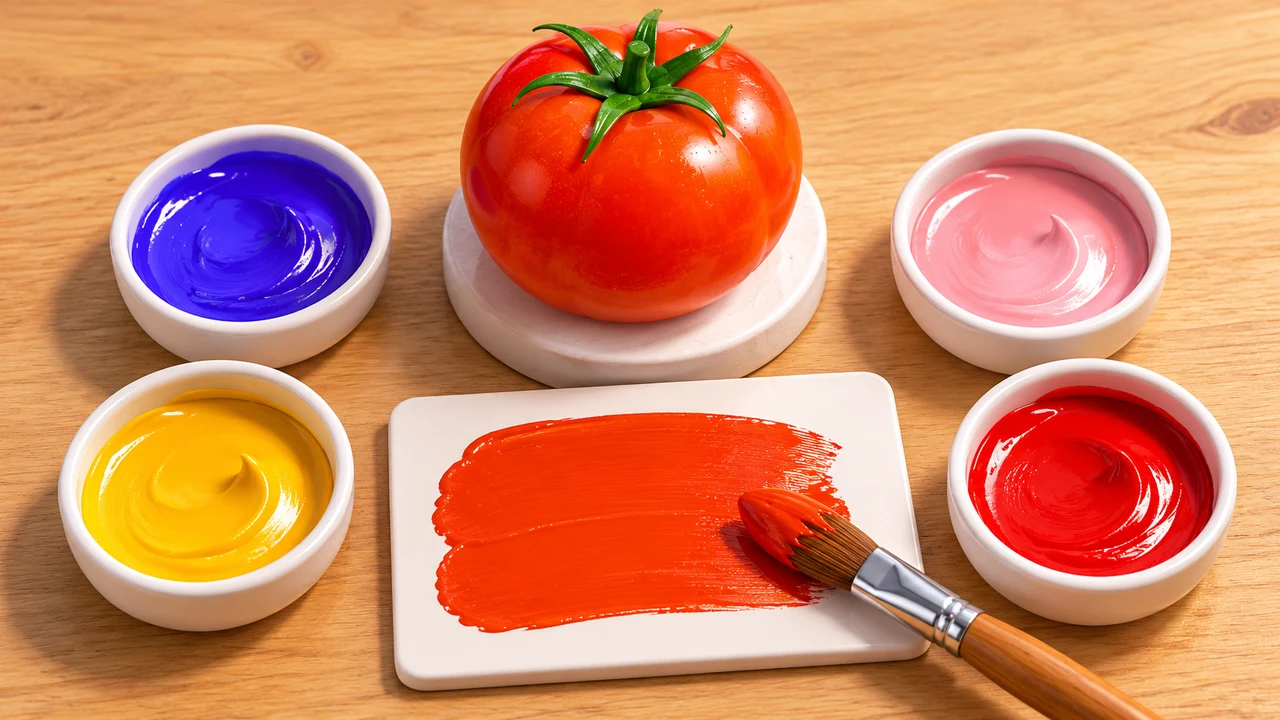
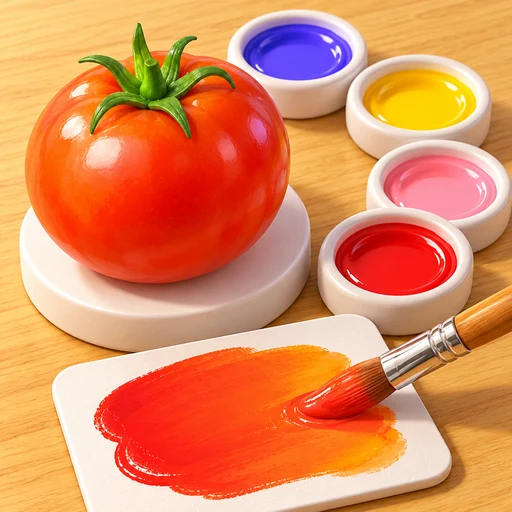
The linked browser build is titled Coloring Match. This page lists it as Color Match, a paint mixing puzzle built around reproducing the color of a displayed object. An opening scene shows a tomato, four paint colors, a mixing canvas and a brush. Blend the paints toward the target shade, then use the check control to compare your result.
Color Match video
The reference video supplied for this game.
Color Match video reference
Color Match browser version: no download or installation
The linked Color Match browser game uses a palette and mixing canvas rather than a downloadable painting application. Start with the target object, test a mixture, and use the displayed comparison to decide what to adjust.
The game loads its files over the internet when you start. The provider controls loading, advertising, and any optional in-game features. If the player does not open here, use the direct game link to open the same browser build.
Why Color Match Feels Different From Other Color Match Games
This is a shade matching challenge. You make the color rather than sorting objects that already have it.
- An object provides the target color for the round.
- Available paints combine on a mixing canvas.
- Submit a mixture to receive an accuracy comparison.
- Restart the canvas when a mixture becomes difficult to recover.
How To Play Color Match?
Study the target before adding paint. Use the mouse or touch controls shown by the game to choose paints and blend them on the canvas.
- Press Play Now or open the direct GameSnacks build.
- Look at the target object and decide which available paint is closest.
- Choose a paint and apply it to the mixing canvas.
- Add another color gradually and compare the mixture with the target.
- Use the check control to submit the shade and read the comparison.
- Adjust the mixture or restart the canvas, then try again.
What should I change when my Color Match shade is inaccurate?
Use the comparison as feedback on one experiment. Make the next change small enough that you can understand its effect.
Judge brightness before adding another hue
Ask whether your mixture is lighter or darker than the object. If the overall brightness is far off, adding a new color family may make the mixture harder to judge. Try correcting one property first.
Reset a mixture that has become muddy
When you have added several paints without a clear plan, restart and begin with the closest base shade. Keep track of each addition so the next attempt is a controlled comparison rather than another guess.
Who Will Enjoy Color Match?
- Players interested in mixing paint and comparing shades.
- Puzzle fans who prefer visual judgment to grid placement.
- Players who enjoy using feedback to refine a small experiment.
Can you identify the one change your mixture needs?
Compare the target and canvas before reaching for another paint. A smaller adjustment is easier to learn from than several changes made at once.
Choose Coloring by Numbers if you prefer following a supplied palette to mixing paint. For a different shade comparison challenge, try Color Nuances.
Game information and source
A quick reference for Color Match before you start.
| Game | Color Match |
|---|---|
| Goal | Blend paint to reproduce the target object color |
| Controls | Select paints and blend on the canvas with a mouse or touch |
| Browser source | Open the Coloring Match browser build (opens in a new tab) |
Color Match source and guide notes
This page opens the supplied GameSnacks build, whose browser title is Coloring Match. Color Games provides this independent introduction, control guide and playing suggestions. The icon and banner are AI-generated illustrations inspired by the observed tomato, paint wells and mixing canvas; they are not gameplay screenshots. The video reference was supplied for this entry.
Color Match FAQ
Where can I play Color Match for free?
Use Play Now above or open the linked GameSnacks build in a browser. Advertising and optional in-game features are managed by the provider.
Can I play Color Match without downloading?
Yes. Use the browser version rather than installing an app. Your browser still loads the game files over the internet, so no download means no separate installation, not offline play.
Is Color Match the same as Color Nuances?
No. Color Match is about blending paint to reproduce an object shade. Color Nuances asks you to identify a tile with a different shade.
How do I check whether my mixture is close?
Submit it using the check control. The game compares your mixture with the target and displays an accuracy result so you can refine the shade.
What can I do if I add too many colors?
Use the restart control to clear the mixing canvas and begin again with a closer base shade. Add one paint at a time so you can see what each addition changes.
What should I do if Color Match stays blank or does not respond?
Allow time for the initial files to load, then try Reload. If the player remains blank, use the direct source link in the online play section. If the game is visible, click or tap inside the player before trying the controls again.
Related Games
- Color Nuances — Play Color Nuances online for free. Compare a grid of similar shades and pick the differently colored tile before the timer runs out.
- Hexellent — Play Hexellent online for free. Place matching hexagon colors beside each other, build stacks of ten, and clear space on the board.
- Coloring by Numbers — Play Coloring by Numbers online for free. Fill numbered picture regions with their matching colors, explore the gallery, and follow practical coloring tips.