




Coloring by Numbers
Where can I play Coloring by Numbers online?
Press Play Now above to load the Playgama browser version. No separate app installation or Color Games account is needed. The source link below also opens the game directly on Playgama.
If the embedded player stays blank, you can open Coloring by Numbers directly in a new tab (opens in a new tab). The link opens the game; this page provides the controls and guide.
About Coloring by Numbers
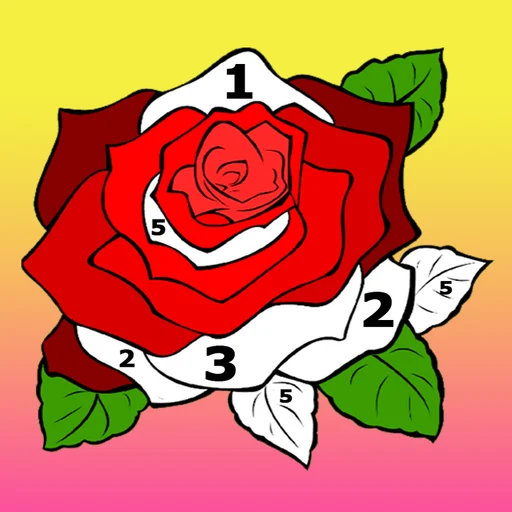
Coloring by Numbers is a numbered coloring game by 3S Games, available through Playgama. Choose an illustration and fill its numbered sections using the matching palette colors. The gallery includes animals, flowers, mandalas and other picture themes. Instead of inventing a color scheme, you follow the numbers and gradually uncover the finished illustration.
Coloring by Numbers video preview
A provider-supplied preview of the game from Playgama.
Coloring by Numbers preview
Coloring by Numbers in your browser
Use a mouse or touchscreen to fill the picture. The player uses a portrait layout, so the illustration stays centered on a desktop as well as a phone.
An internet connection is needed to load the game. Advertising, progress storage and any optional features are managed by the provider. If loading stalls, try Reload or use the direct source link.
Why Coloring by Numbers Feels Different From Other Coloring & Color by Number Games
The numbers provide the color plan for each picture.
- Choose an illustration from the gallery before filling its regions.
- Picture sections correspond to colors in the numbered palette.
- The source lists both simple drawings and more detailed compositions.
How To Play Coloring by Numbers?
Follow the picture numbers rather than guessing a shade.
- Press Play Now and wait for the gallery to load.
- Choose a picture; begin with larger regions if you want an easier first attempt.
- Match a region's number to its palette color, then click or tap the region to fill it.
- Continue through the unfilled sections until the picture is complete.
How can I keep track of unfinished areas?
Use a consistent search pattern when a picture has many small sections.
Scan one part of the picture at a time
Work from one edge toward the center instead of jumping between unrelated details. A short, orderly scan makes a small empty section easier to notice.
Check the number before the color
Nearby shades can look similar. Read the region label before selecting it, and inspect the outline so you know which part you are filling.
Who Will Enjoy Coloring by Numbers?
- Players who prefer a supplied color plan to a blank canvas.
- Players who enjoy completing an illustration in small steps.
Choose a picture and complete one section
Start with a manageable area, then build outward. If a detailed picture feels hard to follow, try a simpler illustration before returning to it.
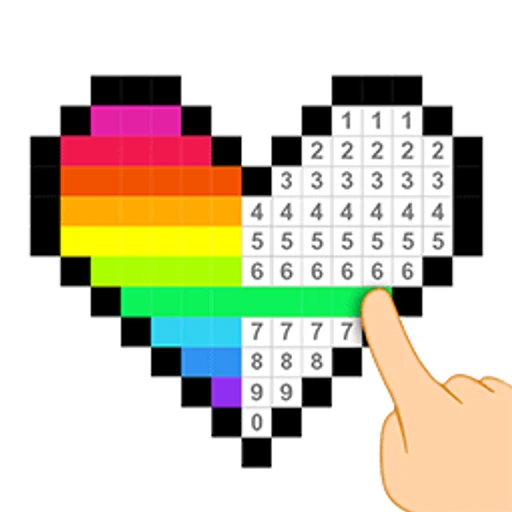
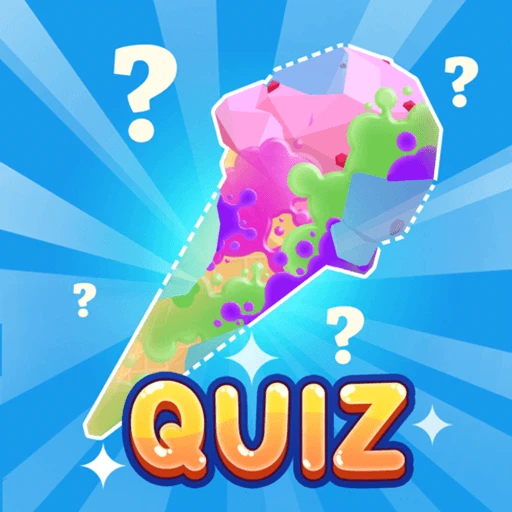
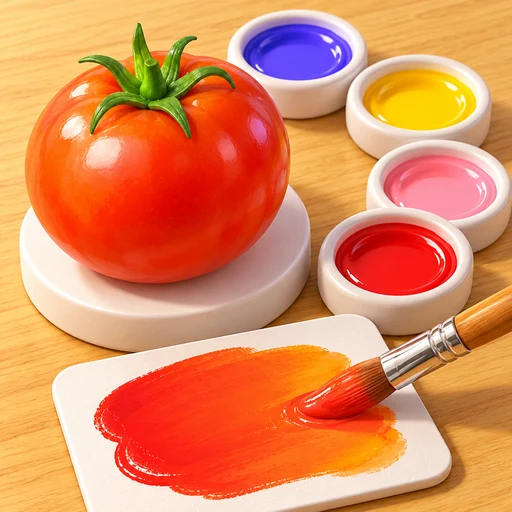
For another numbered picture activity, try Pixel Color. Paint Quiz offers a different reveal-and-guess task, while Color Match focuses on mixing a target shade.
Game information and source
| Game | Coloring by Numbers |
|---|---|
| Developer | 3S Games |
| Goal | Complete numbered picture regions with matching colors |
| Controls | Click or tap a numbered region |
| Browser source | View Color by Numbers. Anti-stress Drawings. on Playgama (opens in a new tab) |
Coloring by Numbers source and guide notes
Playgama lists the original title as Color by Numbers. Anti-stress Drawings. and credits 3S Games. The cover, icon and video are promotional resources supplied through Playgama. Color Games provides this independent introduction and playing suggestions.
Coloring by Numbers FAQ
Can I play Coloring by Numbers without installing an app?
Yes. Use Play Now to open the browser player. Your browser still needs an internet connection to load the game files.
Do I choose my own colors?
The numbered palette supplies the colors. Follow each region's number rather than treating the picture as a free painting canvas.
Which picture should I start with?
Try one with large, clearly separated areas. A simpler outline makes it easier to learn the controls before working through small details.
Is this the same activity as Pixel Color?
Both use numbered colors. They are separate games with their own picture collections and controls; Pixel Color focuses on pixel pictures.
What if the embedded game does not load?
Wait for the initial download, then try Reload. If the player remains blank, open the Playgama source page directly.
Related Games
- Pixel Color — Play Pixel Color online for free. Choose a pixel picture, select a numbered color, and fill the matching cells to reveal the illustration.
- Paint Quiz — Play Paint Quiz online for free. Spray paint to reveal a hidden object, then use the Guess prompt to identify what you have uncovered.
- Color Match — Play Color Match online for free with no download. Blend paint to match an object, check your accuracy, and learn how to adjust a difficult shade.